

Print Test Page (Free PDF Download & Printer Test Tool)
Quickly test your printer with black & white, color, and CMYK test pages

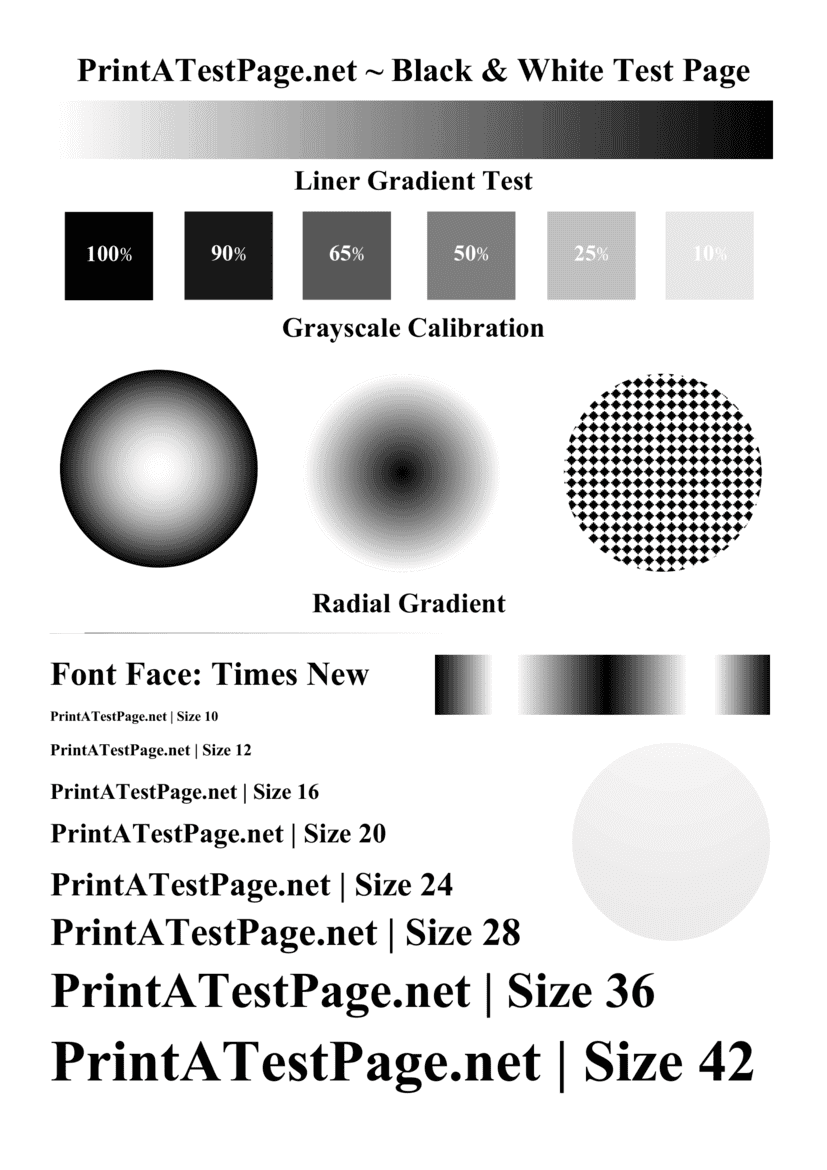
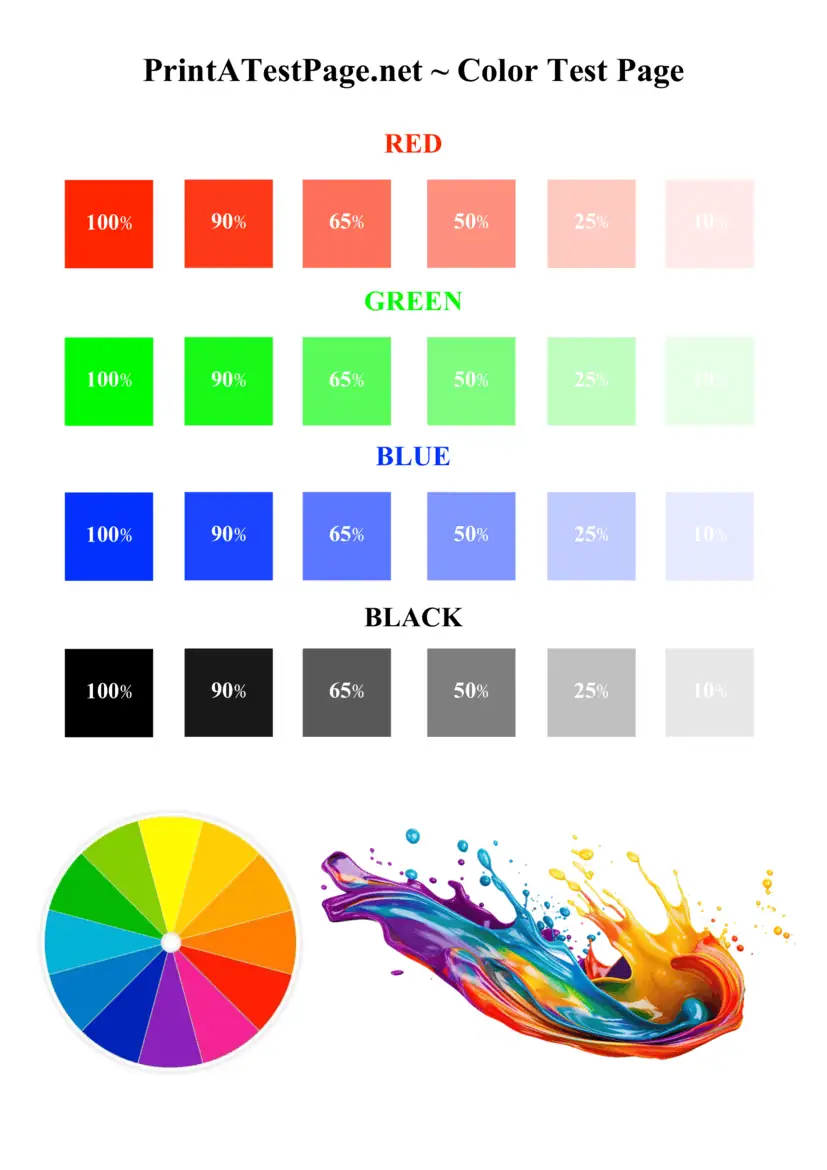
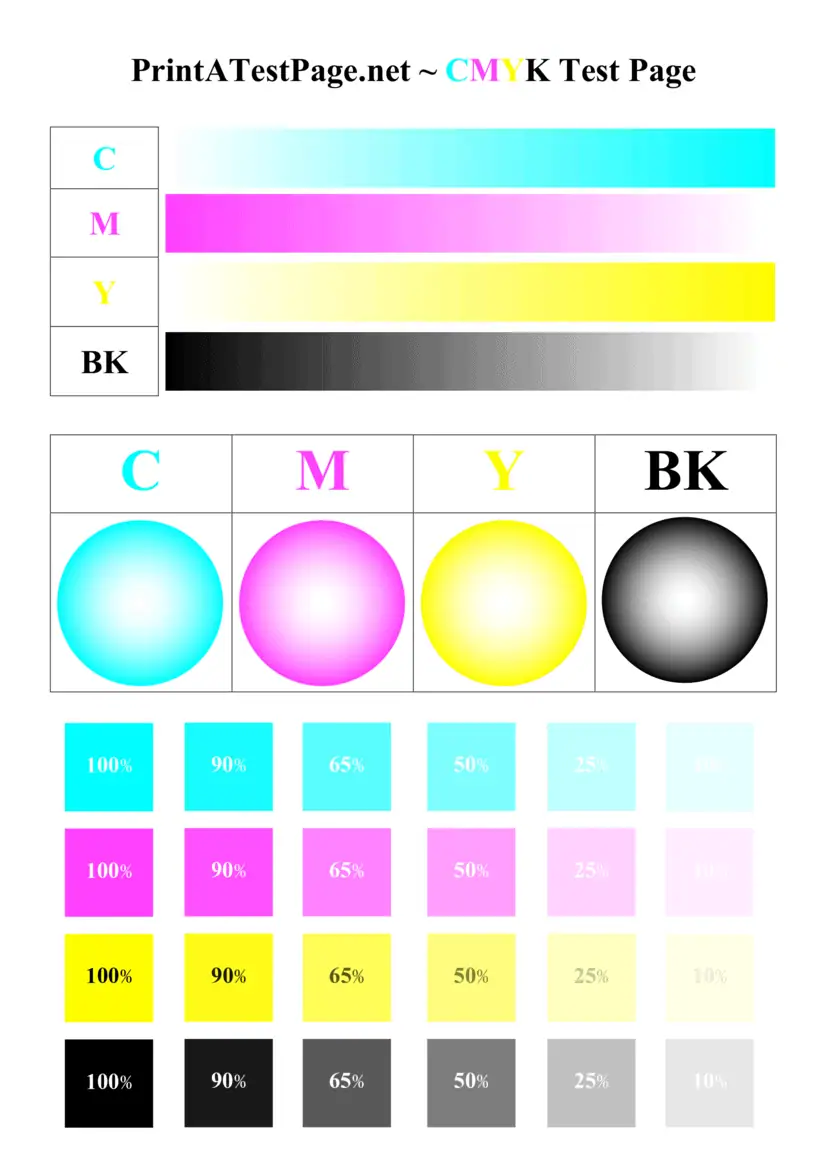
Printer page test is most essential and crutial step for every printer owner who wants to maintain the best print quality. A print test page helps identify issues likely faded colors, alignment problems, clogged printheads, as well as low ink levels before they affect your important print jobs. Whether you are using laser printers or inkjet printers, running a test print regularly (weekly twice) ensures your printer’s performance and printer’s precision remain in good condition.
Our website allows you to print a test page online instantly without hassale. With just a single click you can download and print a high-quality PDF test page designed to evaluate color accuracy, gradient smoothness, and text clarity instantly. This simple tool helps detect common printer problems like blocked nozzle, inconsistent ink flow, streaky prints, smudge marks, or ghost images in your printer.
Step-by-Step Instructions to Print a Test Page
You can follow these step-by-step instructions to perform a successful print test page in your printer:
Step 1 Check first of all your printer is connected properly to your computer via USB, Wi-Fi, or Ethernet or you can manage directly in there mobile apps also.
Step 2 Confirm your printer is properly connected and powered on where also check ink levels to ensure cartridges are not low or empty.
Step 3 Select your preferred testing page options such as black and white, printer color test, or CMYK test page and all of these test pages are available at printatestpage.net website.
Step 4 Click the print button or download & print the PDF file as your wish.
Step 5 Wait while the printer is printing the test page successfully.
Step 6 Carefully check the print quality of the test page shows output including gradients, alignment grids, and text clarity it should exactly match the test page in our website.
These simple steps can helps to check the printer is working correctly and giving correct output for all printing tasks.
Download and Print Test page – PDF
Many of our visitors prefers to download & print a PDF version of a print test page. This method allows visitor to keep the file in their computer and use it anytime whenever they need to check your printer.
For this concern we are decided to provide downloadable PDF files that are optimized for standard printing correct paper such as 70gsm, 75gsm or 80gsm. They include multiple test patterns, color gradients, alignment grids, and text samples to evaluate every aspect of quality of print in both black and white as well as color test.
Simply you can download the PDF, open it on your device even on mobile also, and click the print button. Within seconds your printer will start printing a detailed test page that helps you identify the issues like misalignment, smudge marks, ghosting effects, or faded colors printed from your printer.
Troubleshooting Print Quality and Printer Performance Issues
Most common printer problems are affect print quality and overall printer performance will be slow down. Some of the most relavent issues included below:
- Clogged or blocked printheads
- Lower or empty ink cartridge
- Incorrect paper type
- Misalignment issues
- Streaky or smudge prints
- Ghost images appearing on the page
- Inconsistent ink flow
If you notice any one of these problems while testing your printers, running a printhead cleaning cycle can even resolve this issue. Most of the printers have a built-in cleaning cycle that removes clogs and restores proper ink flow without any problem.
Sometimes installing new ink or toner cartridges may be necessary, especially when the current cartridges show lower ink or critically low levels.
Printer Status: Check Your Printer Series and Printer Testing Results
Your printer’s internal system may regularly track its printer status. This may includes ink levels, connectivity, and hardware conditions. When you are manually run a printer page test, it provides valuable information about the condition of your printer as well as the overall health of your printer state.
The test page shows details such as printer model, connection method, and driver information. This may also indicate whether the printer is connected properly to your computer via USB, Wi-Fi, or Ethernet.
If your printer is printing very slowly than the normal or failing to start printer jobs, the issue may be related to the spooler service or connectivity problems. Running a test page is the easy and quickest way to verify whether your printer connected and functioning correctly without any issues.
Printer Maintenance and Calibration for Best Print Quality
Regularly maintainance of printer may helps to keep your printer functioning efficiently. Over the time, printheads may become clogged due to dried ink or dust store in head.
Running a cleaning regularly as well as performing a calibration ensures the printer can produces sharp and accurate prints. This can adjusts the alignment of the printer’s internal components to eliminate misaligned text and uneven color distribution.
Using the correct paper type may also improves the results. High-quality paper such as 75 gsm or 80gsm ensures better ink absorption and prevents smudging or ghosting effects.
Also maintaining proper ink levels and replacing cartridges regularly or when necessary will prevent faded prints and keep the printer operating at very good performance.
Windows 11 – Print Test Page Using Builtin Printing Solutions
Most of our visitors are using Windows 11 operating system, that users can easily perform printer testing using builtin system tools. Windows OS includes a useful feature that allows you to print a test page directly from printer settings even without any test pages.
This feature may helps to confirm whether the printer connected properly and ready to handle all print jobs. This also checks the correct driver configuration for your specific printer series.
If Windows cannot communicate with your printer, the issue might be related to network connection, driver installation error, or the print spooler service. In such cases, troubleshooting steps may be help to restore proper functionality for your printer.
HP Printer Support Details
| Email Address: | [email protected] |
| Phone Number: | 1800-258-7170 |
| Official Website: | https://www.hp.com/in-en/home.html |
| Support Website: | https://support.hp.com/in-en |
| Printer Drivers Link: | https://support.hp.com/in-en/drivers |
Canon Printer Support Details
| Email Address: | [email protected] |
| Phone Number: | 1800-208-3366 |
| Official Website: | https://in.canon/en/consumer |
| Support Website: | https://in.canon/en/support |
| Printer Drivers Link: | https://in.canon/en/support/download |
Brother Printer Support Details
| Email Address: | [email protected] |
| Phone Number: | 1800-209-8904 |
| Official Website: | https://www.brother.in/en |
| Support Website: | https://support.brother.com |
| Printer Drivers Link: | https://support.brother.com |
EPSON Printer Support Details
| Email Address: | [email protected] |
| Phone Number: | 1800-123-001-600 |
| Official Website: | https://epson.com/ |
| Support Website: | https://epson.com/Support/sl/s |
| Printer Drivers Link: | https://epson.com/Support/Printers/sh/s1 |
Dell Printer Support Details
| Email Address: | [email protected] |
| Phone Number: | 1-800-999-3355 |
| Official Website: | https://www.dell.com/ |
| Support Website: | https://www.dell.com/support/home/ |
| Printer Drivers Link: | https://www.dell.com/support/home/en-in?app=drivers |
Xerox Printer Support Details
| Email Address: | [email protected] |
| Phone Number: | 1-800-821-2797 |
| Official Website: | https://www.xerox.com/ |
| Support Website: | https://www.support.xerox.com/ |
| Printer Drivers Link: | https://www.support.xerox.com/en-us/searchresults#t=DriversDownloads |
Pantum Printer Support Details
| Email Address: | [email protected] |
| Phone Number: | 1-888-404-3455 |
| Official Website: | https://global.pantum.com/ |
| Support Website: | https://global.pantum.com/support |
| Printer Drivers Link: | https://global.pantum.com/support/download/driver/ |
Print Test Page FAQs
Get quick answers to common questions about printer test pages, print quality issues, and troubleshooting.
 English
  Spanish
  Portuguese
  German
  French
  Russian
  Indonesian
  Hindi
Hindi
Pease fix my new HP 7001 printer (Windows 11).